Where are My Files? (Or - Pay attention to where you are saving your work!)
As part of MCAD’s Adobe Creative Cloud access you have access to the integrated Cloud Storage options.

As part of MCAD’s Adobe Creative Cloud access you have access to the integrated Cloud Storage options.
Full-time and part-time benefits eligible staff at MCAD will receive a single workstation computer at no cost to their department in order to accomplish their work responsibilities. We cannot guarantee dedicated computer access for casual labor or work-study positions, and all requests for this purpose are subject to the availability of computers and possible time period restrictions (such as, “until the end of the semester,” etc).
The MCAD Technology department wants to share some best practices regarding keeping your computer and data safe. These tips are not MCAD specific, and are good guidelines to follow in general. Even if you’ve heard some of them before, it’s worth repeating.
Per a directive from the President’s Office and PAC, Information Technology Services has a workstation backup program designed to provide disaster recovery for select institutionally owned desktop and laptop computers.
ITS and the MCAD Help Desk will install software that will perform regular cloud-based backups of:
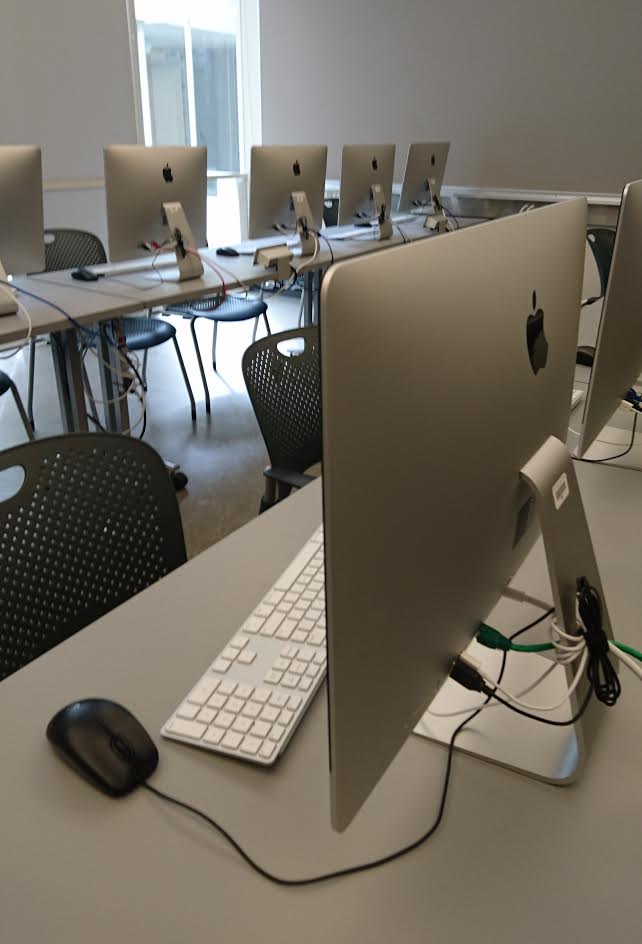
(19) 2020 27" iMacs - 3.g GHz Quad Core i9, 64GB RAM, 500GB Solid-Sate Drive
Sony 1920x1080 data/video projection 7.1 surround sound
MCAD's campus has a portfolio of enterprise-grade 802.11ac (Wi-Fi 5) Wave 2 wireless access points. MCAD offers expansive wireless coverage that includes high-bandwidth service in all teaching buildings, administrative offices, MFA Grad Studio, dorms, and green spaces. MCAD's newly deployed wireless system brings gigabit speeds and the ability to easily handle the wireless demands of modern classrooms.
